

- Joined
- Aug 22, 2021
- Messages
- 693
It seems to be a combination of all three channels but when you open the image in Affinity Photo (for example) you’ve only got one channel, the gray channel. That’s what I meant by one channelWhich channel?

It seems to be a combination of all three channels but when you open the image in Affinity Photo (for example) you’ve only got one channel, the gray channel. That’s what I meant by one channelWhich channel?

I guess this raises the question. If green or another channel is sharper, why didn't Epson use that channel when you scan BW films with their scanners and EpsonScan software? Or do they automatically use only one channel?VueScan offers five channels for greyscale output: Auto, Red, Green, Blue and Infrared.
I'd assumed that Auto was a combination of all channels.
Green is sometimes suggested as it lies in the middle of the spectrum and may possibly be more sharply focused. Different wavelengths focus at different distances, which is how we get chromatic aberrarion. I've tried using the green channel alone and could see no difference, but I may simply be a sloppy observer. It's also the reason why red objects appear closer.
Apple's Image Capture is a simple general-purpose application. It has fairly limited controls and it wouldn't surprise me if the software designers had considered that scanning large-format transparencies was a very niche activity indeed. It doesn't immediately recognise my 850. You need to use Apple > System settings > Printers and scanners for that. It does recognise the scanner built into my ordinary A4 printer, but that doesn't have a transparency lid.
VueScan offers five channels for greyscale output: Auto, Red, Green, Blue and Infrared.
I'd assumed that Auto was a combination of all channels.
Green is sometimes suggested as it lies in the middle of the spectrum and may possibly be more sharply focused. Different wavelengths focus at different distances, which is how we get chromatic aberrarion. I've tried using the green channel alone and could see no difference, but I may simply be a sloppy observer. It's also the reason why red objects appear closer.
Apple's Image Capture is a simple general-purpose application. It has fairly limited controls and it wouldn't surprise me if the software designers had considered that scanning large-format transparencies was a very niche activity indeed. It doesn't immediately recognise my 850. You need to use Apple > System settings > Printers and scanners for that. It does recognise the scanner built into my ordinary A4 printer, but that doesn't have a transparency lid.


Isn't the V850 just fixed focus like all the other consumer Epsons?. One setting at the glass surface, and one roughly where the film holder sits. When I made my own glass mounting setup for my 4990 (cos it came second hand without the 5x4 holder) I just did lots of test scans with the glass shimmed with card to determine the right height. It ended up being the same as the thickness of a 1p piece on mine, so the glass just rests on four 1p coins. Even as a Yorkshireman I was happy with that extravagant expenditure.
Joanna I don’t think better scams are still active. I contacted them to purchase the 120 holder and the 4x5 holder and got no response. Some other people I know have had the same experience. I am also looking to replace my 120 and 4x5 film holders as I feel I can get better scanning experience.Take a look at this site. I have the 5x4 variant and the height is adjustable
 www.bitbybitphoto.com
The 850 focuses itself. For more information, you’d have to talk to someone deep inside Epson.
For originals smaller than 10x8, you can use the wet-mounting device and adjust its height until you are satisfied. Despite the name, it works well “dry”. Wet mounting is something I’ve not tried.
They are out of business. My setup works fine anyway, not that I use the Epson for 5x4 these days (Imacon instead).Take a look at this site. I have the 5x4 variant and the height is adjustable
 www.youtube.com
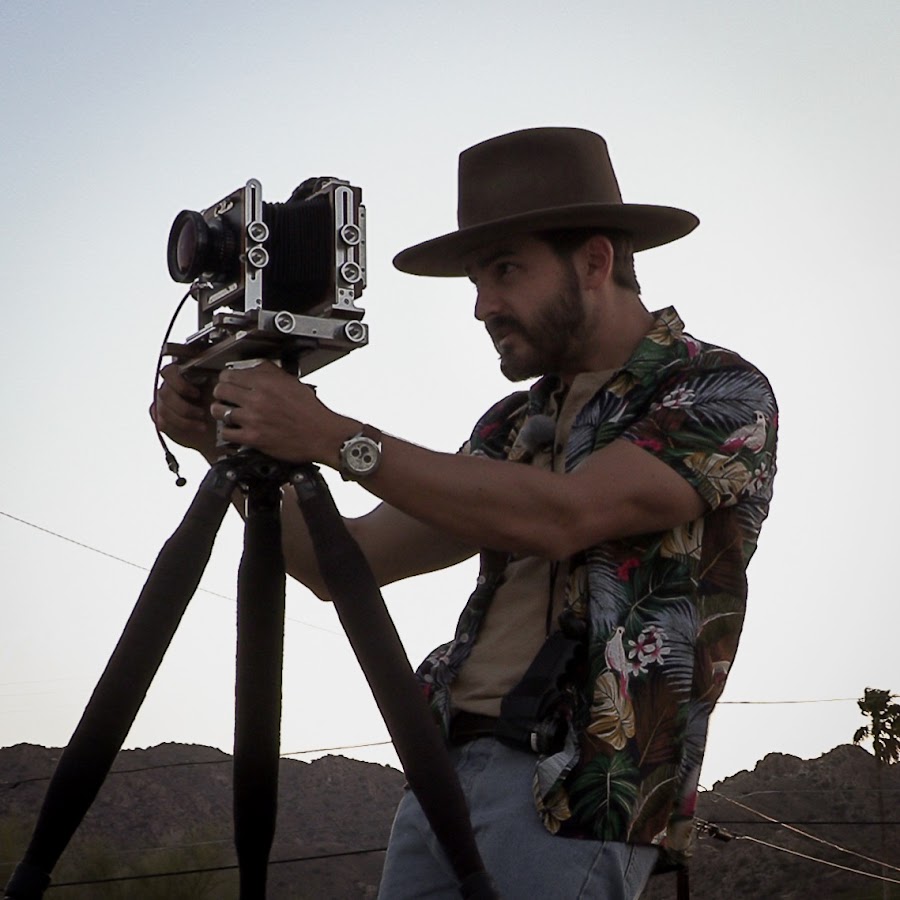
Marcus McAdam has some suggestions on how to adjust the focus in this video; the relevant section starts at 29:10. He uses business card shims to gradually raise the height of the frames to achieve sharp focus.
Nick Carver has also made some videos on how to get the best from Epson scanners.
I too have the Better Scanning 120 film holder. I have actually had it for over twenty years. On my V700 scanner the best scans were about 3mm up from the glass measured to the film plane. These days I just use the Wet Scanning attachment without wet mounting. I use the AN glass that I purchased for the Better Scanning holder to keep the 35mm and 120mm down. I also have De Vere 5X7 AN glass that I use for my 4X5 negs. I find that If I keep the glass clean, it actually gives me quite decent scans even in 35mm, not as sharp as my aging ED 5000 or using a digital camera, but for casual stuff they are quite acceptable with some post processing. In the end we all have to make some compromises, and the most important thing is to stop pixel peeping, which is not a film photography process.I had a Better Scanning holder. You have to calibrate it by making a test scan, then adjusting multiple grub screws by a quarter-turn and doing another test. I’m afraid I couldn’t find an optimum focus point at all, because over quite a wide range of settings, all the tests looked equally sharp. It is also a very lengthy process.
The Epson version seems much easier to use, although I use the Newton glass that came with the Better Scanning holder to keep my negs flat. That’s the wet-scan accessory, not the standard holder.
The video on how to “improve” your scanner seems to be merely moving up the platen to where the Epson wet-scan holder or the Better Scanning frame would have been anyway.
After doing this, I’m guessing that the scanner will no longer scan 10x8 negs (at least, not in focus) and the scanner will be pretty well useless for scanning documents.
This thread began with a query about scanning 10x8 negs.
If we knew the aperture and focal length of the lenses used, we could work out their depth-of-field and thence how accurately the scanned objects need to be placed.
Marcus McAdam has some suggestions on how to adjust the focus in this video; the relevant section starts at 29:10. He uses business card shims to gradually raise the height of the frames to achieve sharp focus.
Nick Carver has also made some videos on how to get the best from Epson scanners.
Nick Carver
I love shooting film, especially if it's medium or large format, especially if it's in the desert.
I've got the V800 which is largely the same, you need to use the transparency mode to scan 8x10, it requires a bit of moving around to ensure you have it exactly right. It scans at a lower resolution but still plenty in my opinion. I scan at 2400 dpi.So, years ago I had an Epson 2450 it would scan 4x5 no problem.
I then upgraded to an Epson 4990 which I was told would scan 8x10 but it didn't. The glass on the scanner covers it but the trap area is smaller. (this was a very inexpensive scanner).
I have now just managed to get an Epson V700 and have been ASSURED this will cover 8x10. I seem to be having the same issue the actual scan trap area is smaller than my 8x10 negative.
Images attached.
I have only ever used Mac with the inbuilt software (ImageCapture, 3rd image). I believe the software should be agnostic but a friend has recommended trying VueScan. He says he has done it successfully and will come back to me later.
Is it possible to scan 8x10 on a V700 without resorting to multiple scans and stitching? Or am I missing something in my setup?
TIA